RS-232 Control
TVs with the 2026 version update support RS-232 control. Prior versions do not.

Go to Settings > Support > Software Update. If SW Version is 33.xx.xx, you have the 2026 version.
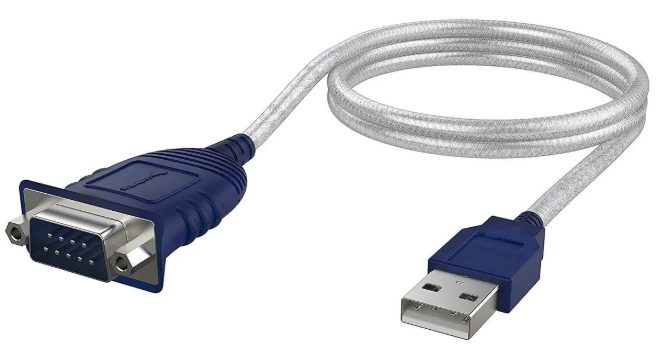
Required: USB-to-RS-232 adapter
A USB-to-RS-232 adapter is required and not included with the TV. The adapter must use the Prolific chipset. Adapters based on the FTDI chipset are not compatible with the
We recommend the SABRENT USB 2.0 to Serial DB9 RS-232 Male Adapter Cable (CB-DB9P) based on the Prolific PL2303GS chipset.
Turn on Always Ready mode
Go to Settings > General > Always Ready. Turn on Enable the Function.
The
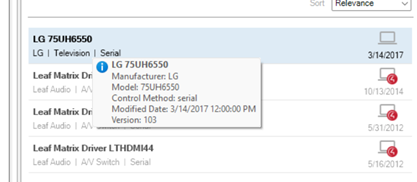
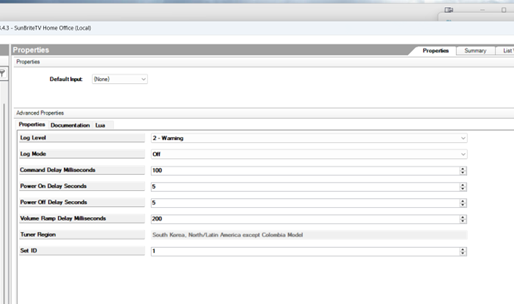
Control4 driver
As tested in Control 4 using LG 75UH6550 driver.